


Start capturing your best plays today!

.webp)

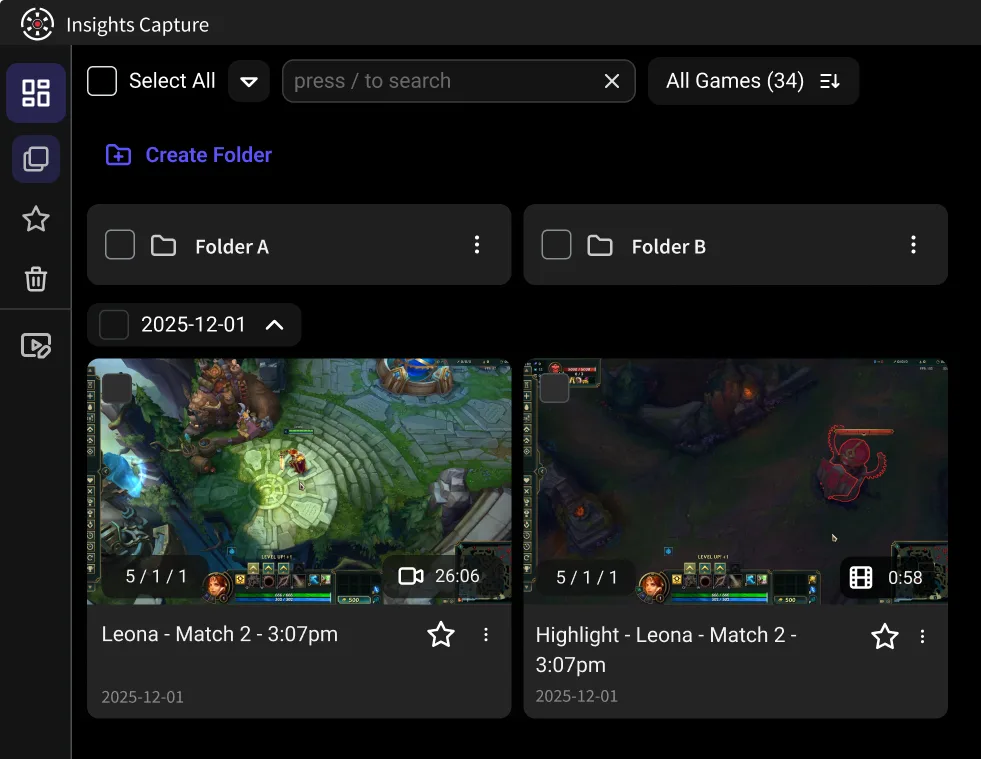
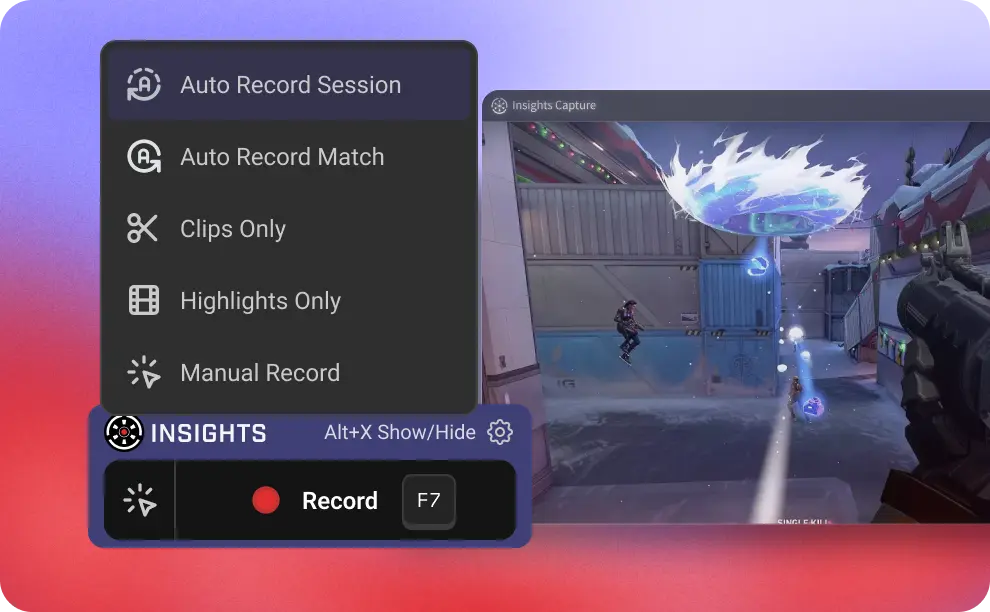
Recording starts in the spawn room and runs to the final point, so nothing depends on you remembering a hotkey mid-fight. Every push, hold and overtime scrap is captured at full quality whatever hero you are on, and it costs you nothing in frames while five ultimates land at once.
Team wipes, ult combos and clutch saves are saved automatically as clips. Pulling a fight out of the replay takes two clicks: find the moment, trim it, and drop it in the group chat before the next queue pops. The clips stay where you put them, and they are still there after the next patch.
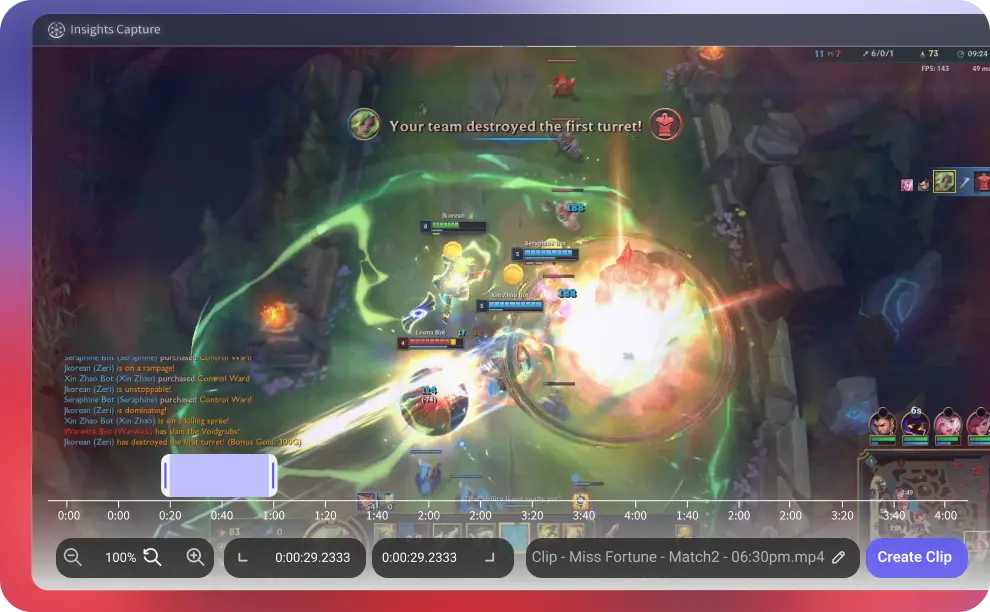
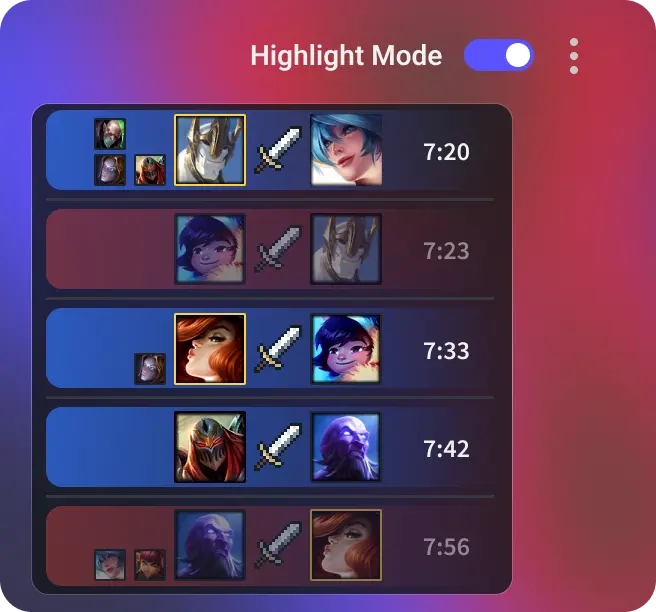
Eliminations, deaths and objective flips are timestamped, so you can jump straight to the fight that lost the point instead of rewatching the whole map. When the real question is what everyone else was doing when you died, the timeline puts you in that ten-second window immediately.
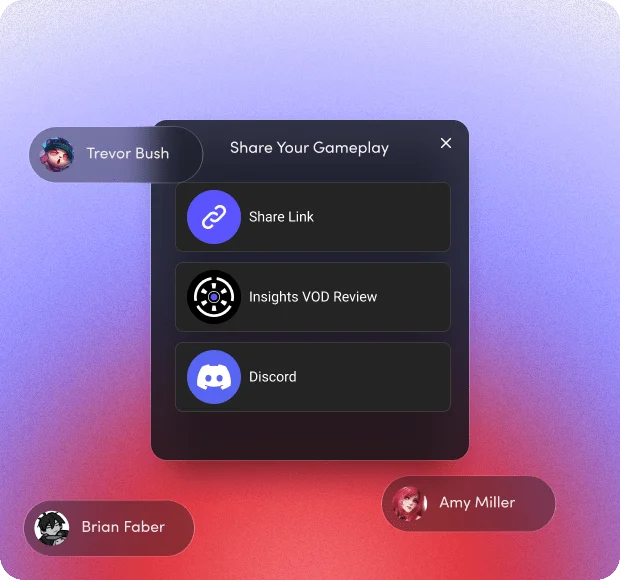
Share to TikTok, YouTube Shorts or your team's Discord in a couple of clicks. For a fight that needs a proper look, send the VOD to the team and leave timestamped comments on the exact frame where positioning broke down, so nobody has to describe it from memory.
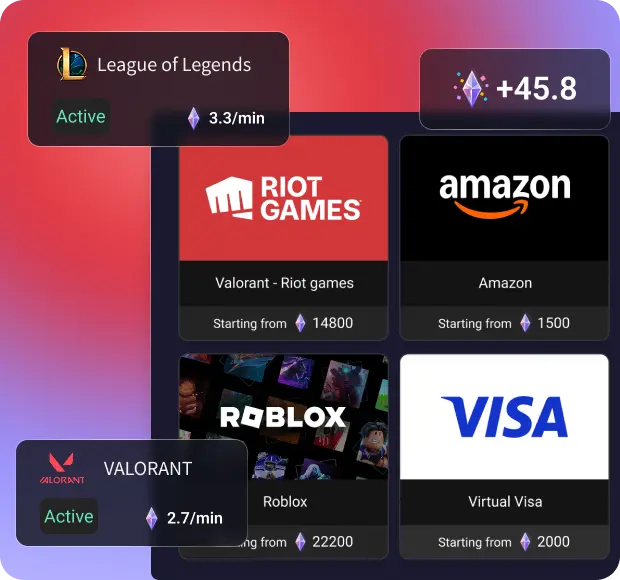

For games with active bounties, earn Shards which you can trade for real gift cards!
Esports Head Coach
Set the app to Ocean deep blue, Delicate Sakura Pink or whatever suits you. It is a small thing, but you spend real time in this window between queues, sorting through last night's scrim footage and pulling out the fights that are worth showing the rest of the team.


Esports Head Coach
Desktop capture records whatever is on screen, not only the game window. Keep the end-of-round scoreboard, the hero select screen or the notes you were reading between maps in the same recording, so a team review session has the context that sits outside the match itself.

Esports Head Coach
One fight, six perspectives. Merge your recording with your teammates' into a single video so you can watch the bubble, the suzu and the flank land in sequence. An ult trade is far easier to argue about when the whole fight plays end to end instead of in fragments.
Esports Head Coach
Insights Capture runs standalone and no longer needs Overwolf, so nothing extra is competing for resources while several ultimates go off at once. Overwatch punishes a frame drop at exactly the wrong moment, and background recording should never be the reason a hold falls apart.

Esports Head Coach
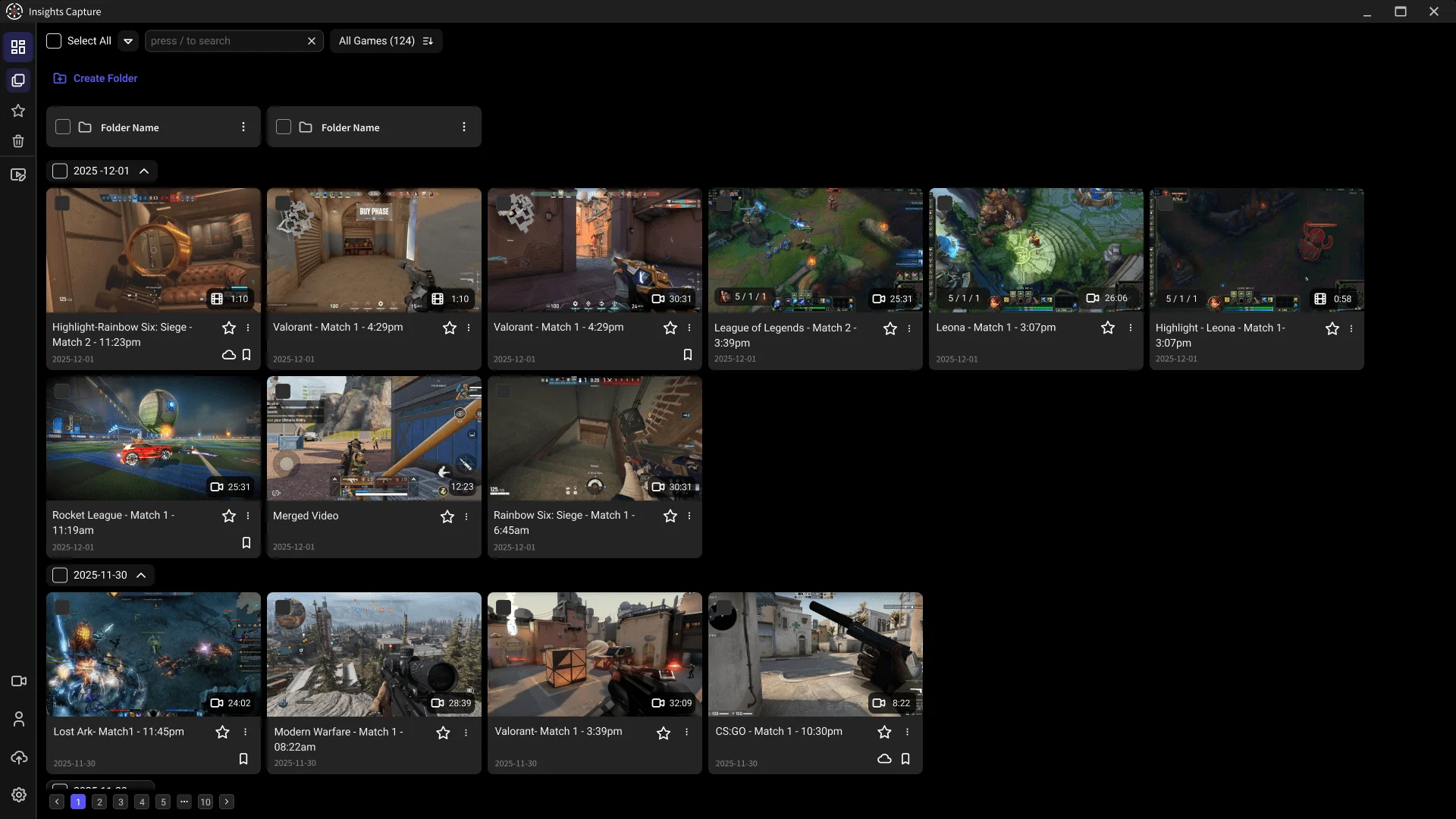
Blizzard's replay system only holds a limited number of recent games, and those replays do not survive patches, so a recorded video is the only permanent copy of a fight. Here your footage stays on your terms: organize it into folders by hero, map or scrim block, move older sessions to cloud storage, and clear out the rest when the drive fills up.

Esports Head Coach
The keyboard and mouse overlay puts your inputs on screen, which is the quickest way to explain ability timing to someone learning a hero. Show when you held the ult, when you canceled it, and how you were positioning in the seconds before the fight actually opened.

Download Insights Capture and choose your desired recording settings.

Queue into Competitive or Quick Play. Insights Capture detects Overwatch, records the whole match in the background, and timestamps eliminations and objective flips as they happen — so the ult trade that decided the fight is already marked by the time the scoreboard comes up.

Open the recording and review it. Clipping the fight you want takes two clicks, and you can merge your POV with a teammate's to see both sides of it, then share it to Discord or push the full VOD into review with timestamped comments for the rest of the team.