Valorant Replay System — How to Watch & Save Replays

Watch Valorant replays from the Career tab and keep them past the patch. What the replay system can't do and how to save your matches.
Riot Games spent five years promising a Valorant replay system, and in September 2025 it finally arrived with Patch 11.06. If you've just discovered it, there's good news and bad news. The good news: you can now rewatch your own Competitive and Premier matches from the Career tab, complete with a timeline that marks kills, deaths and ultimate ability usage. The bad news is the fine print, and it's why most players still pair the built-in replays with a recording tool.
How to Watch Replays in Valorant (Step by Step)
- Play a Competitive or Premier match.
- Open the Career tab and select the match from your recent matches.
- Choose Download replay. The replay file downloads to your client.
- Select Watch to open it inside Valorant.
Once it's open, use the timeline to jump between rounds and use the playback controls to slow a fight down or skip ahead.
What the Valorant Replay Functionality Actually Does
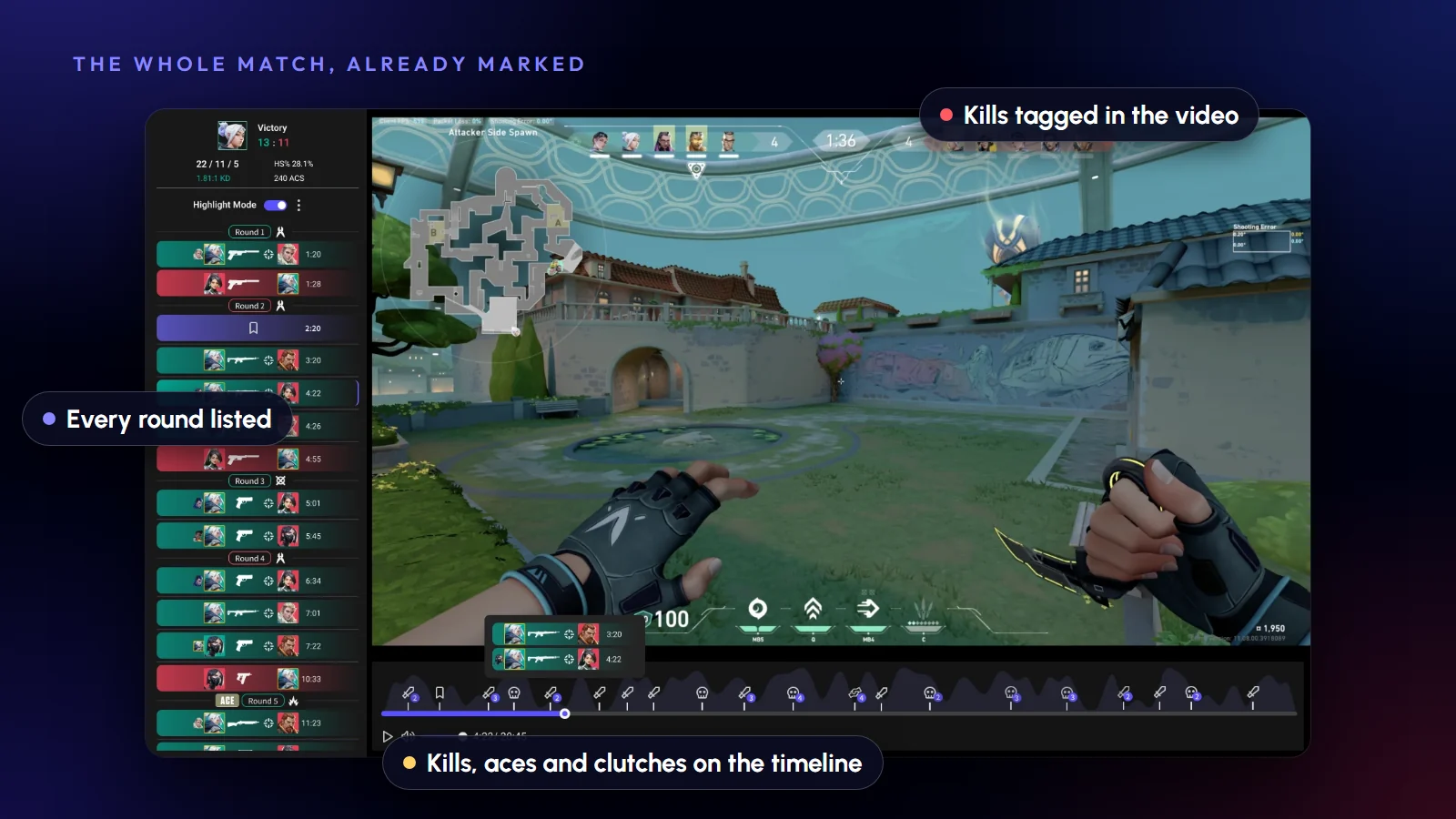
The viewer is genuinely good. You get a free camera or any player's POV, playback speed from 0.1x to 8x, and timeline markers for every kill (green), death (red) and ultimate (star), with rounds color-coded so you can jump straight to the clutch. It is a better tool for studying angles than any recording, because you can fly the camera anywhere.
Replay System vs. Combat Report
The Combat Report that Valorant shows after a match is a stats summary: damage, kills and where you were hit. The replay system is the footage behind those numbers. Use the report to find what went wrong, then use the replay to see it.
The Three Limitations Nobody Tells You About
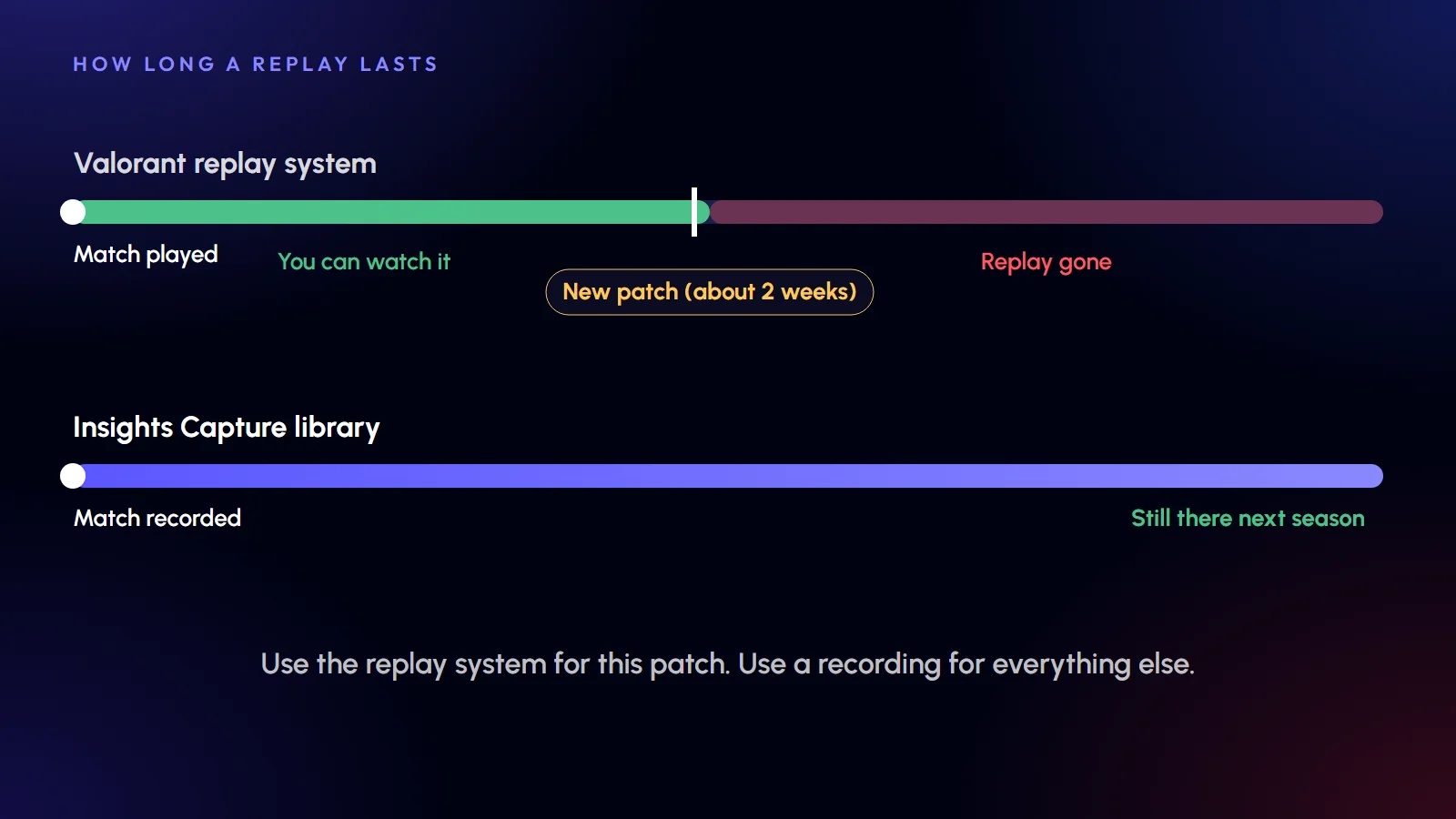
1. Your replays are deleted every patch. Replays only work for the duration of the current patch cycle, roughly two weeks. When the next patch drops, every replay you didn't act on is gone. That ace from three weeks ago? Not rewatchable. Check the patch notes each cycle so you know when your replays expire.
2. Only your own matches. You can't download a teammate's replay, a friend's game or a pro match. If your duo clutched a 1v4 and you want to study it from their side, you can't.
3. Competitive and Premier only. Unrated, Swiftplay, Deathmatch and custom games aren't covered, so scrim reviews and warm-up highlights are out. Custom matches are the most common thing teams ask about, and the answer is still no.
How to Keep Your Valorant Replays Permanently
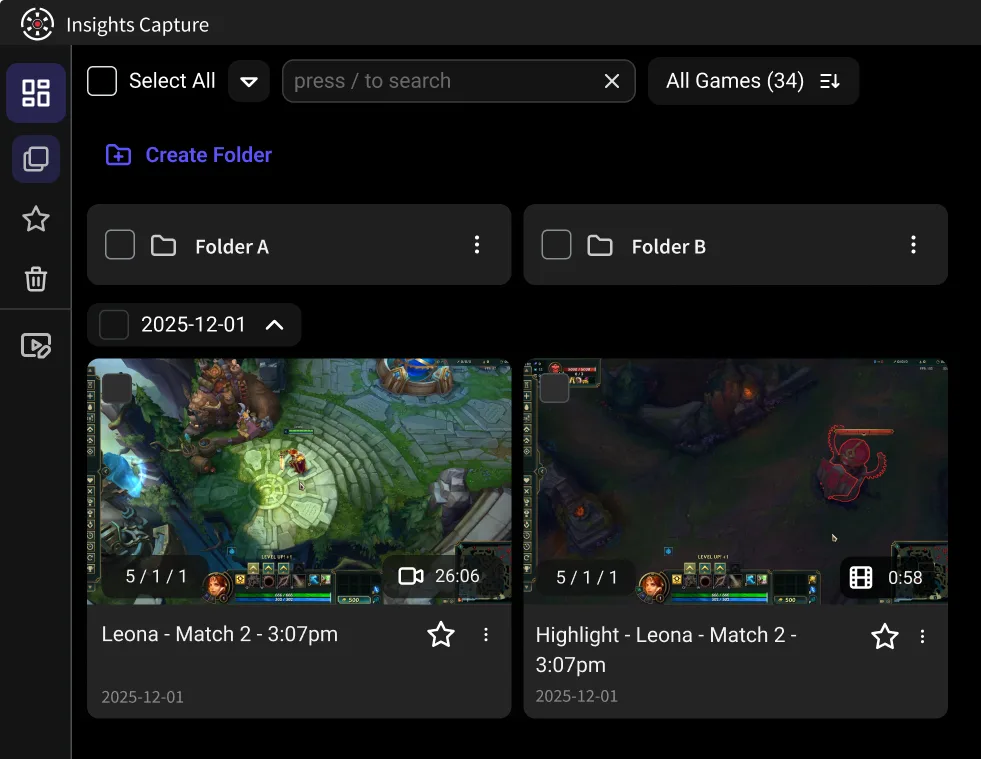
This is where a recording layer fills the gap. Insights Capture records every Valorant match automatically, in any mode, with no FPS loss. It marks your kills and clutch rounds the same way the replay timeline does, except the files are yours forever.
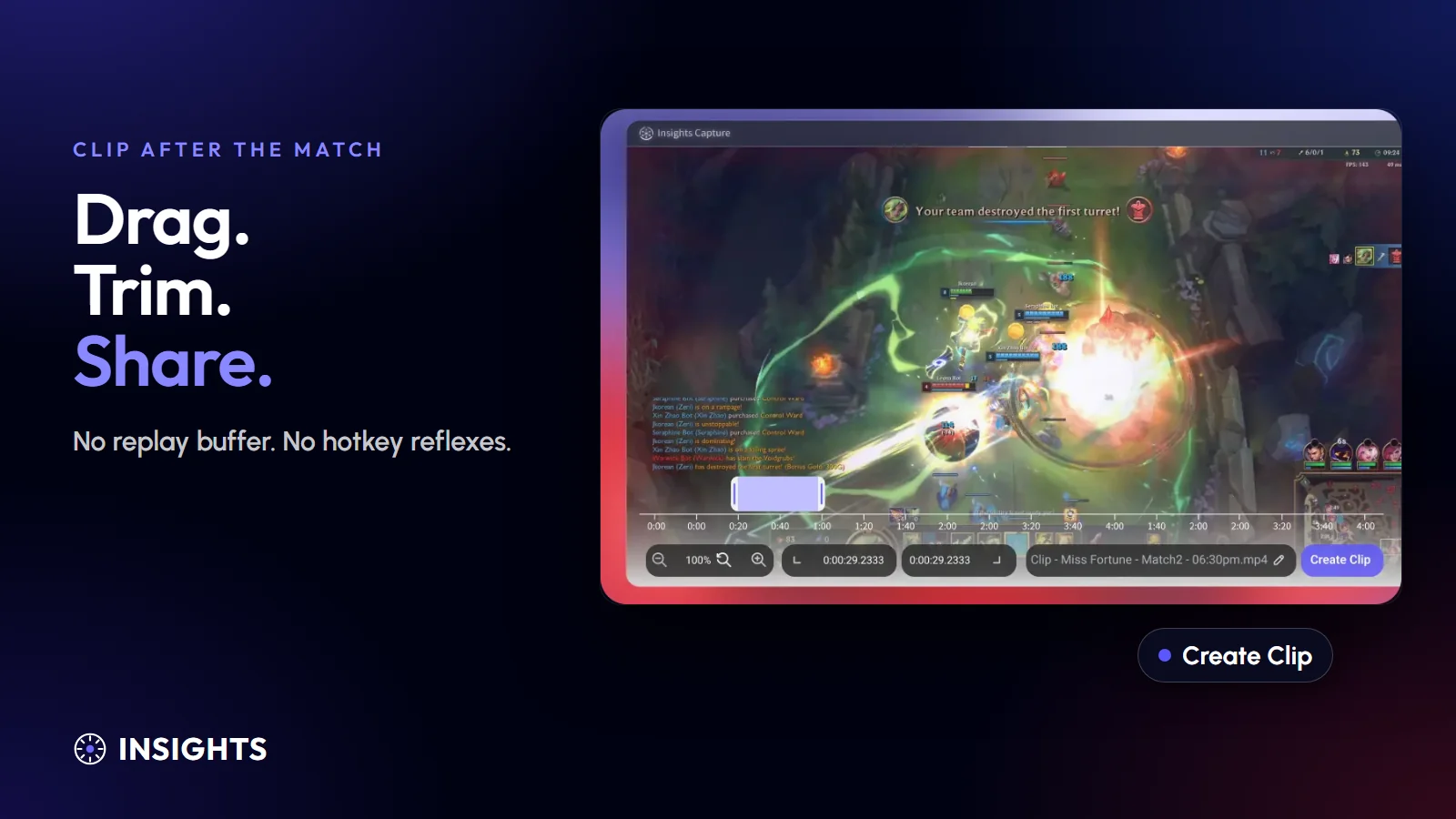
The workflow most players settle into: let the native replay system handle this patch's deep review, and let Insights handle everything permanent. That means clips of your best rounds, a season-long library of your matches and anything you want to share. Clips upload to your Insights library where teammates can watch, comment with timestamps and review together. That is the sharing layer Riot's system doesn't have.
Native Replays vs. Recording — Quick Comparison
- Modes covered: Replay system — Competitive and Premier only. Insights Capture — every mode, every match.
- How long replays last: Replay system — until the next patch (about two weeks). Insights — forever.
- Whose games: Replay system — only yours. Insights — yours, shareable with anyone.
- Camera: Replay system — free camera and any POV. Insights — records your POV as real video.
- Clipping and sharing: Replay system — none. Insights — two-click clips, instant share to Discord or a team library.
The honest answer: use both. They solve different problems.
How to Make Your Own Valorant Recap
Searching for a Valorant recap or rewind of your season? Riot's year-end recap only arrives once a year and covers stats, not footage. To build a real one: record your ranked sessions with Insights Capture, clip the aces, clutches and rank-ups as they happen (two clicks each), then stitch your favorites at the end of the act. You'll have an actual highlight reel of your climb, not just a stat card.
See more: how to record Valorant gameplay
{{button}}
FAQs: Valorant Replays
1. How do I watch my replays in Valorant?
Play a Competitive or Premier match, open the Career tab and select the match to download its replay. It plays inside the client with full camera and speed controls.
2. Why did my Valorant replay disappear?
Replays only survive the patch they were played on. Once a new patch releases (roughly every two weeks), older replays can no longer be played. To keep anything longer, record it.
3. Can I download someone else's Valorant replay?
No. The system only exposes matches you played in, on your own account. To review a teammate's POV, they'd need to record it. Insights Capture clips can be shared to a team library where everyone can watch and comment.
4. Does Valorant have replays for Unrated or custom matches?
Not currently. Only Competitive and Premier are supported. For every other mode, a recorder is the only way to get footage.
5. What's the best way to save a Valorant ace permanently?
Run Insights Capture in the background. It auto-marks kills, so after the match you clip the ace in two clicks and it's stored in your library for good, ready to share or post.
Final Thoughts
The replay system was worth the five-year wait, but it's a review tool, not an archive. Treat it as the microscope for this patch's matches, and keep Insights Capture running as the permanent record. Between the two, nothing you do in Valorant ever disappears again.